Owaa Voice Type
Speak in your language and have the translation typed for you.
Click into any text field on any web page, press Alt+Shift+V, speak in your own language, and press it again. The translation is typed at the caret as if you had typed it.
Coming soon to Chrome and Edge
The listings are being prepared. Check back soon, or email [email protected] to be told when it is available.
0.5 credits per minute
What it does
Works where you type
Ordinary inputs and text areas, rich-text editors and fields in modern web apps.
A small pill shows when it listens
Dictation also ends by itself after 3 seconds of silence or 60 seconds in total.
About 100 languages
Choose the language to type in on the options page, and optionally also type what you said after the translation.
Your own shortcut
Change the shortcut in Chrome's own shortcut settings.
How it works
- 01
Click into a text field on any web page.
- 02
Press Alt+Shift+V and speak in your own language.
- 03
Press it again: the translation is typed at the caret.
See it in action
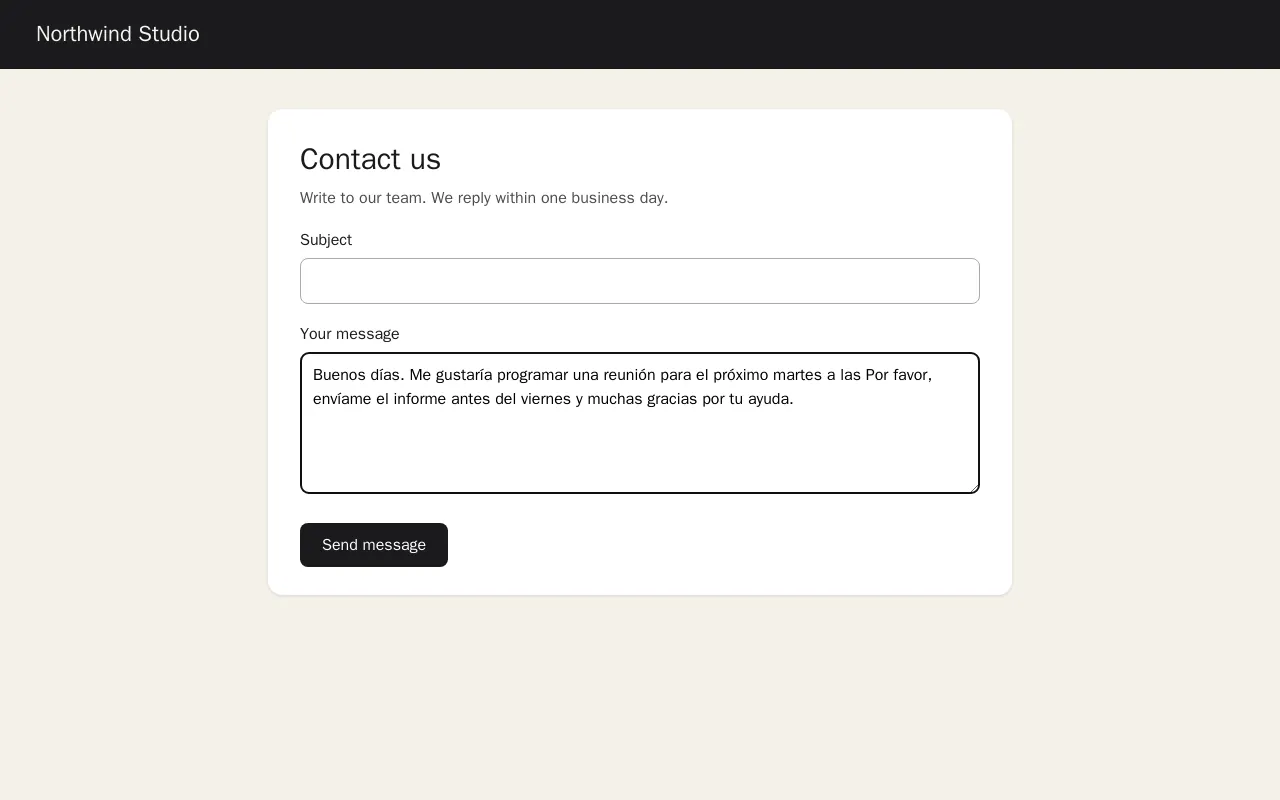
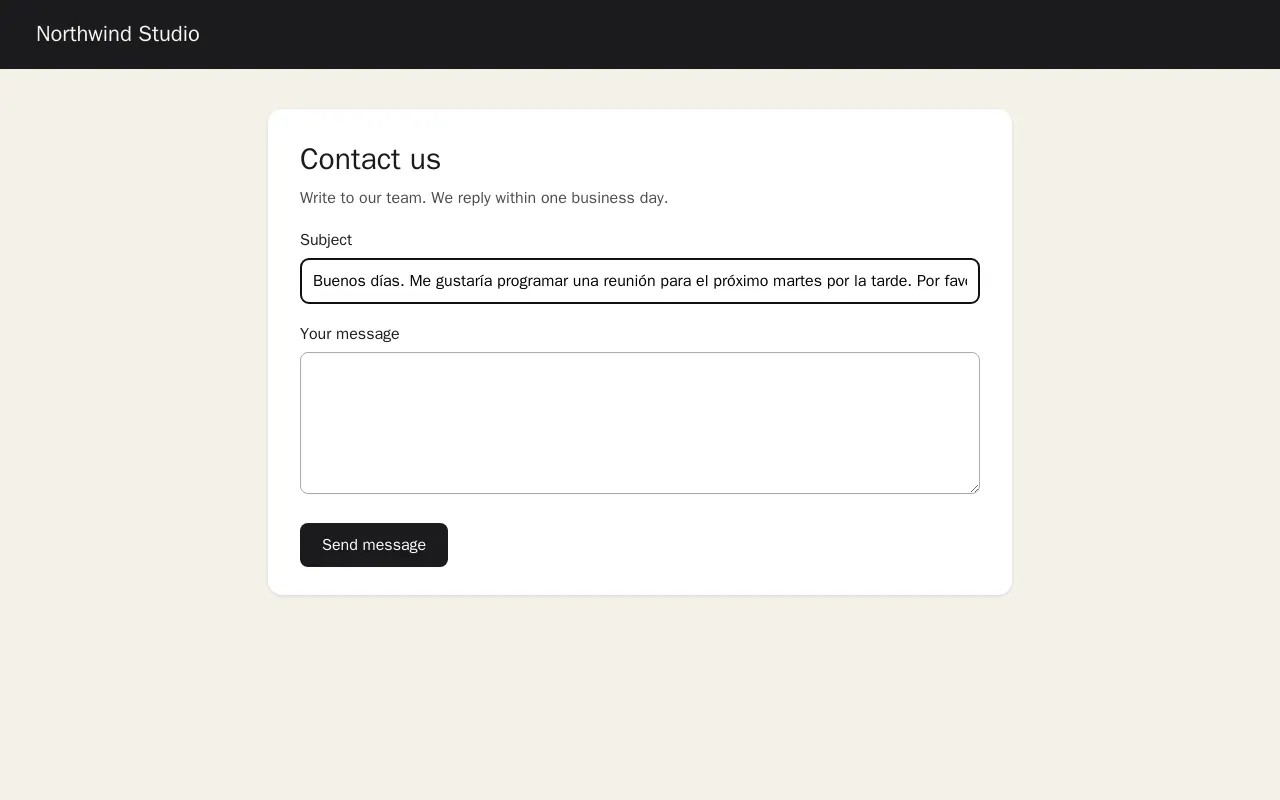
Screenshots come from the extension's own test build.
Your data
The microphone is used only between your two presses of the shortcut, and the browser asks for access once, for the extension. Only that audio is sent to Owaa.
Sign in with a free Owaa account to use it.
Pricing
0.5 credits per minute
Every Owaa product draws on one credit wallet: $10 buys 100 credits, you top up when you need to, and there is no subscription. Each new account can claim 10 free minutes once, after a quick device check. See pricing