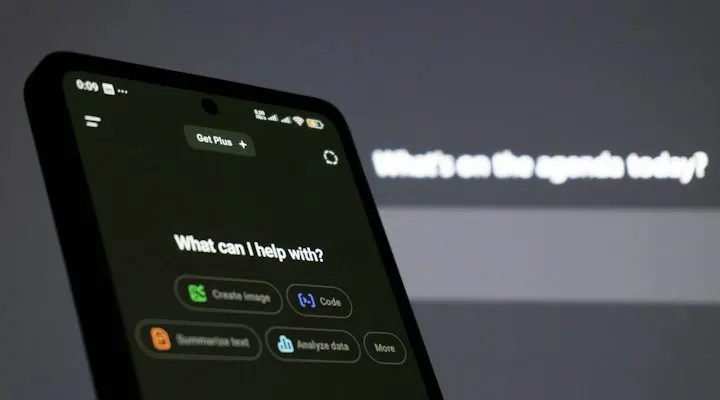
Talk with AI
Voice chat with the AI in your language.
Speak in any language and the AI replies in any language. Each turn is shown in the language it was spoken in.
Start talking
Opens the Owaa app. Sign in with a free Owaa account to use it.
How it works
- 01
Tap Begin
Allow microphone access the first time. Sessions last up to 10 minutes.
- 02
Speak in any language
Your language is detected automatically, and the AI replies in any language.
- 03
Read it back
Each session is saved with a transcript in your language, in your Talk history.
What people use it for
Language practice
Talk it out and get an answer in the same language.
Role-play
Rehearse a conversation before you have it for real.
Quick help
Summarise a topic, draft a short email or get a second opinion.
Pricing
Talk with AI uses credits from your Owaa wallet, at a discounted per-minute rate compared with a bilingual phone call. See pricing
Questions
- How is it different from a phone call?
- Talk with AI is just you and the AI. There is no second person and no phone line.
- Is it free?
- No. Talk with AI uses credits at a discounted per-minute rate compared with a bilingual phone call, billed the same way as everything else.
- Can I see what we said afterwards?
- Yes. Each session is saved with a transcript pane in your language, which you can open from the Talk history list in the app.